
Advertising disclosure
Hosting Canada is community-supported. We may earn a commission when you make a purchase through one of our links. Read Disclosure.
What is Whois Lookup?



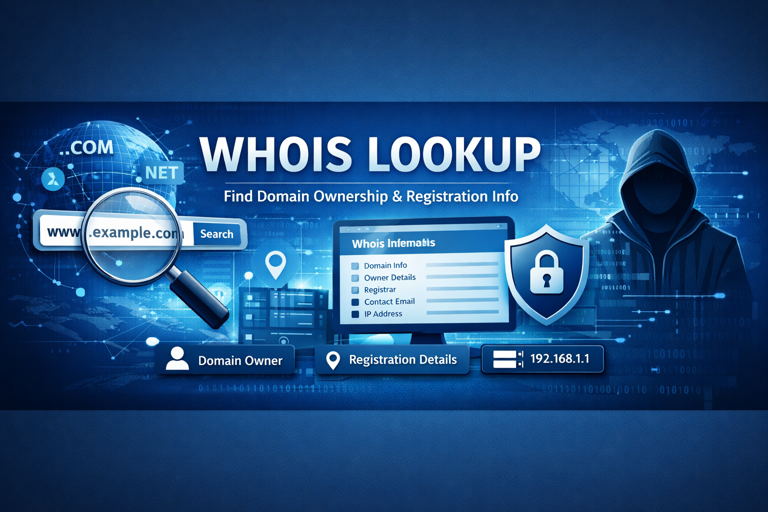
If you have ever wondered what Whois lookup is, you’ve come to the right place. Whois is a database that collects and stores domain name registrant information so that you can access data on IP addresses and domain names.
There’s more to it than that, of course, so we’ll dive into all about this database and the steps to use it.
Whois Domain Lookup Explained
Whois is a database tool that provides registration data regarding an IP address or domain name, basically like a directory for websites on the internet. This information can include who the registrar is, who actually registered the domain and when, and even contact information, in some cases. However, this is often hidden due to privacy reasons, which will be discussed more later.
Why Use Whois Domain Lookup?
So, why would you even want to use this database? There are plenty of possible reasons. Here’s a quick overview of the most common ones:
- Possible contact information: While many choose to hide their contact information for privacy reasons, there are still many site owners who leave it available to find. In these cases, you may be able to contact the owner of a particular site or IP address, which may be needed if you want to pursue business with them.
- To find who owns a specific domain name: A common reason to want to know about a specific domain name is if you want to use it for your business and it is already taken. You may be able to buy it from the owner if they are interested in negotiating.
- Check for fraud or bad actors: Checking the domain information history can help you determine if a website looks legit versus fake or possibly malicious. However, being on Whois isn’t the only factor that should make you trust a site, as some specifically use it to seem more trustworthy.
- Seeing domain history: This lets you see when it was registered and if there have been any ownership changes to be aware of.
- Whois IP lookup: While you can’t look up who uses a specific IP address (or their exact location), you can get limited information about the internet service provider responsible for the IP, as well as some general location info, such as which region or country it is based in.
Let’s Talk About Domain Names
The entire purpose of using Whois lookup is to get information on domains, but what are they? Basically, a domain (also called domain name) is a uniform resource locator (URL)/digital address for a website.
Every website has their own individual domain name, no two are the same, which helps keep them accurately identified on the internet. Another aspect of domain names is that they link to a specific IP (internet protocol) address so that computers can actually connect to the website.
When you input a domain name on your browser, this request goes to a DNS (domain name server) which is like a virtual directory. The IP address is matched to the domain name and your computer connects to where you’re trying to go.
Obviously, domains can get more complex than what we’ve just explained, especially if you’re trying to get yours set up. To give you more info, here’s our handy guide on how to buy and register a domain name.
How Do You Use Whois Lookup?
One thing to note, Whois lookup isn’t a single, specific website you can just visit. Though it may have a similar feel to a site when you use it, it’s actually a database that will need to be accessed through a tool or third party, many of which are free.
Here’s a basic guide on how to use Whois lookup:
- Select your lookup tool: There are plenty of web hosting services that give you access as part of their feature list, so if you use a service like Wix, you probably already have a tool at your fingertips. Otherwise, we recommend Whois.com or Who.is.
- Input the domain name you’re looking for: In the search field, type in the domain you want to find. Be sure you’re using the right extension (such as .com, .org, etc.)
- Look at the domain data: You should be able to see the results you’re looking for, assuming the domain is actually registered and active. Some people use Whois lookup to make sure domain names aren’t already taken, as they may want to register it for themselves. If you don’t get any results matching your search, you are likely in the clear to pursue that name for yourself.
Information You Can Find on Whois Lookup
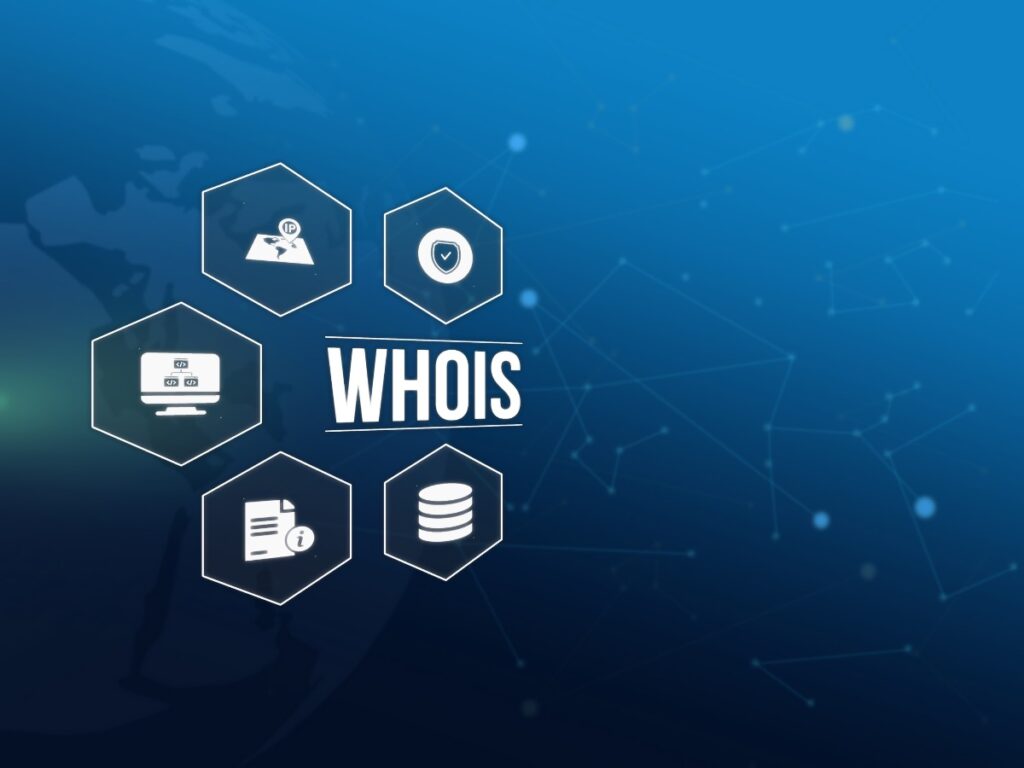
Now that you have your results, here is some of the information you’ll find about the domain you looked up:
- Status: This shows if the domain is expired, active, available/transferable or in a redemption period, which means it has expired but there is still a grace period where the owner can get it back.
- Registrar: This is the identity of the company who manages the registration of the domain. There are tons of them, but if you’re in the market for one, here is our list of best domain registrars for Canadians.
- Registrant: This is the person or entity who actually owns the domain.
- Contact information: Sometimes the registrant’s contact information is available, including their address and email address, phone number, etc.
- Nameservers: These are the servers that handle the DNS queries for that domain. They show you where the domain is hosted, indicating who manages the site and if it is actually live.
- Domain registration and expiration dates: This shows you the date that the domain was first registered and also the date it will expire if it isn’t renewed by the owner.
Your Privacy and Whois
The European Union’s Global Data Protection Regulation has provided some basic privacy protections for Europeans in regard to what personal information can be found from their domain. For this reason they don’t require the same extent of listed public information that most other countries do.
However, in many countries, anyone in the world can look up your domain registration data for free and potentially find your sensitive information, such as how to contact you.
Fortunately, there are ways to protect yourself, especially considering the rampant risks of identity theft, phishing, and other malicious attacks. Here are some tips to keep your information safe:
- Choose a registrar with Whois privacy protections: If you use a provider that has privacy features in place, your contact information will be replaced with the registrar’s contact information (or a proxy server’s), keeping yours protected.
- Use alternate information when registering: If you still want people to be able to find your contact information you can use alternate emails, phone numbers, and even addresses, keeping your personal versions safe. This is great if you have a business and want people to know how to contact it. You can also use a business name, rather than your real one, when you register your business, further protecting your identity.
- Keep track of your Whois information: Monitoring this data on a regular basis helps you to see if your personal details are still hidden or if they have been exposed without your permission, such as by your domain hosting service.
- Choose a privacy minded registrar: When registrars have solid privacy policies in place, it reduces your risk for exposure.
Troubleshooting Whois Lookup
Whether you are a registrant or just trying to look someone up on Whois, sometimes things go awry. Here are some troubleshooting tips for some general issues you may run into:
- Domain name not found: This could mean the domain was never in use, or it is no longer registered.
- Your Whois information is wrong: If your registrant data is missing or incorrect, you should be able to have your registrar provider update it for you. You may even have user controls via your service to do it yourself.
- You need to contact someone whose data is hidden: If you really need to contact the owner of the domain, you can try reaching out by emailing the proxy or registrar email listed for the domain. You can also see if their website has a contact form to try.
- Rate limiting: Many domain registrars limit how many database queries you can make from a single IP address. Meaning if you keep spamming queries, you may be temporarily blocked in order to prevent server overload or abuse, such as DDOS attacks. For this reason, it is best to limit how many queries you make in a short period of time.
What is RDAP?
While this article is about Whois, there’s actually a more secure and increasingly used domain registration database that is set to eventually replace Whois. But first, let’s get into a little background information. It’s helpful to know about ICANN before we get too much deeper.
The Internet Corporation for Assigned Names and Numbers (ICANN) is a not-for-profit created decades ago. It “helps coordinate the Internet Assigned Numbers Authority (IANA) functions, which are key technical services critical to the continued operations of the Internet’s underlying address book, the Domain Name System (DNS).”
ICANN basically sets the rules and policies to keep the names and numbers of the internet running smoothly. They are a pretty big deal…
ICANN now recommends and supports the Registration Data Access Protocol (RDAP) over Whois lookup, which is a replacement for the traditional Whois system.
RDAP was developed by the Internet Engineering Task Force (IETF), with strong improvements to modernize this registration for current needs. You can still look up domain data on RDAP, but it is more secure and has better structure and support than Whois.
That said, you can also still currently use Whois lookup, especially as RDAP is still being implemented by third parties (like domain registrar services) who have not made the switch yet. However, if you want to access RDAP for free right now, here is ICANN’s free registration data lookup tool. Just enter the domain information into the search field and you’re all set.